Record on your phone. Rekam finds who promised what, and by when — then puts it in WhatsApp, ready for you to send.
Three steps, no setup, no login.
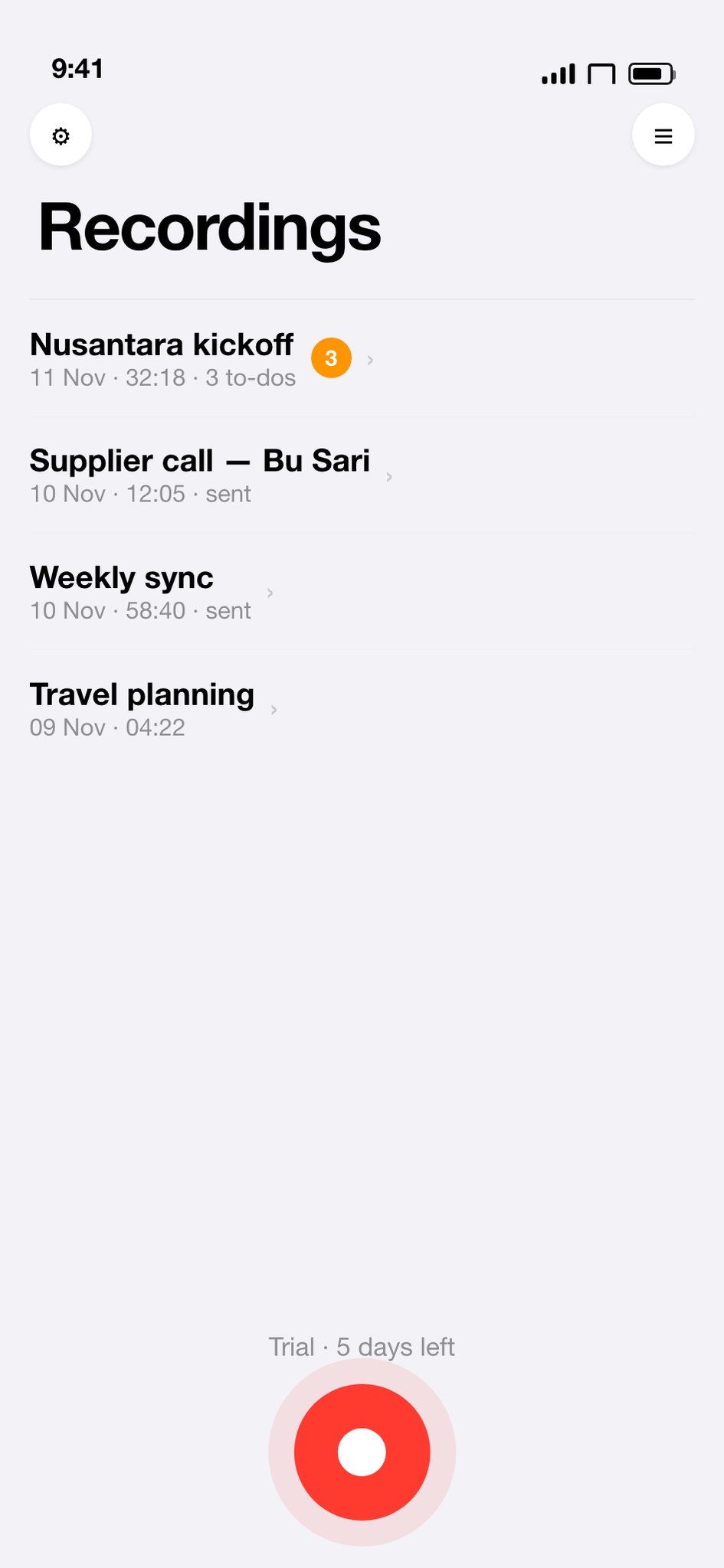
Tap once and lock your screen. Audio is saved in short segments, so a crash or a phone call costs seconds, not the meeting.
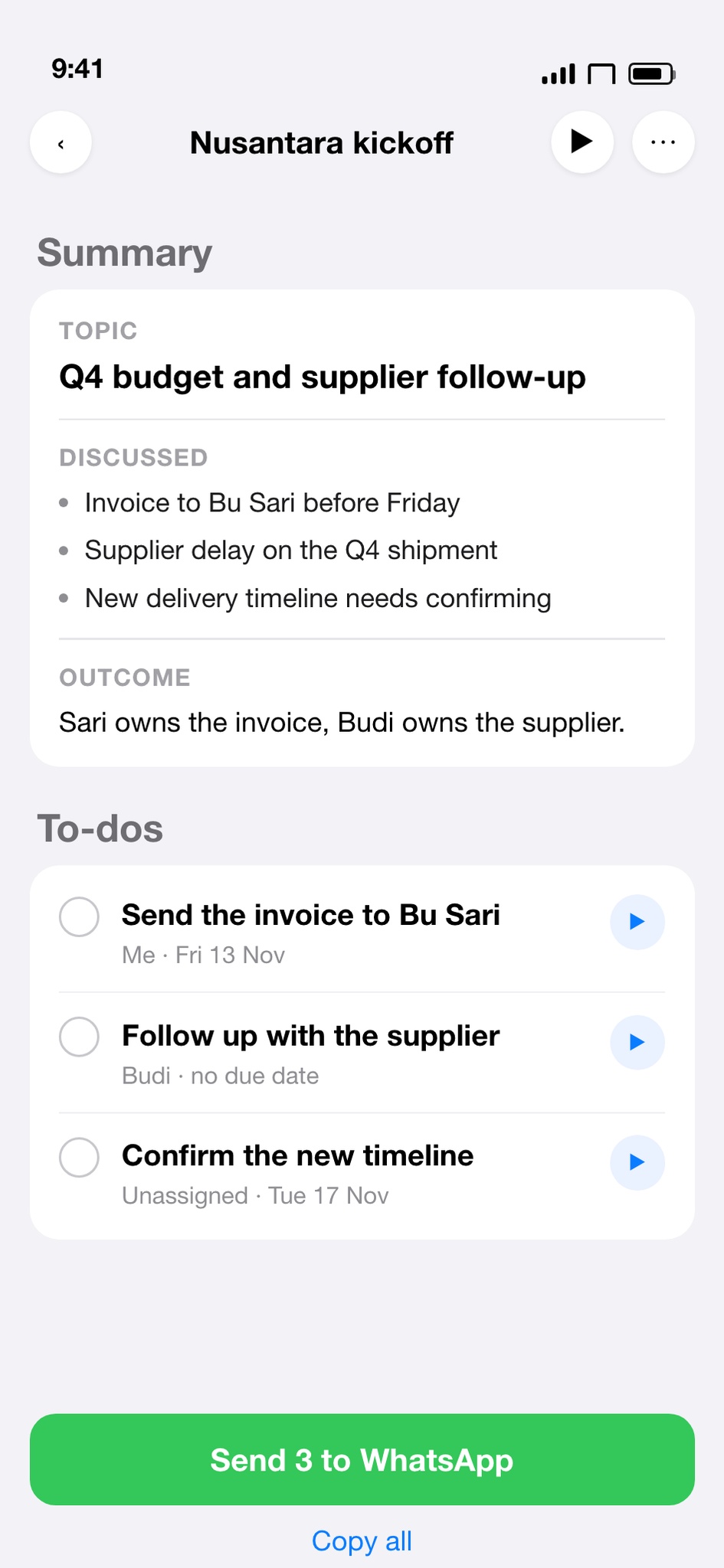
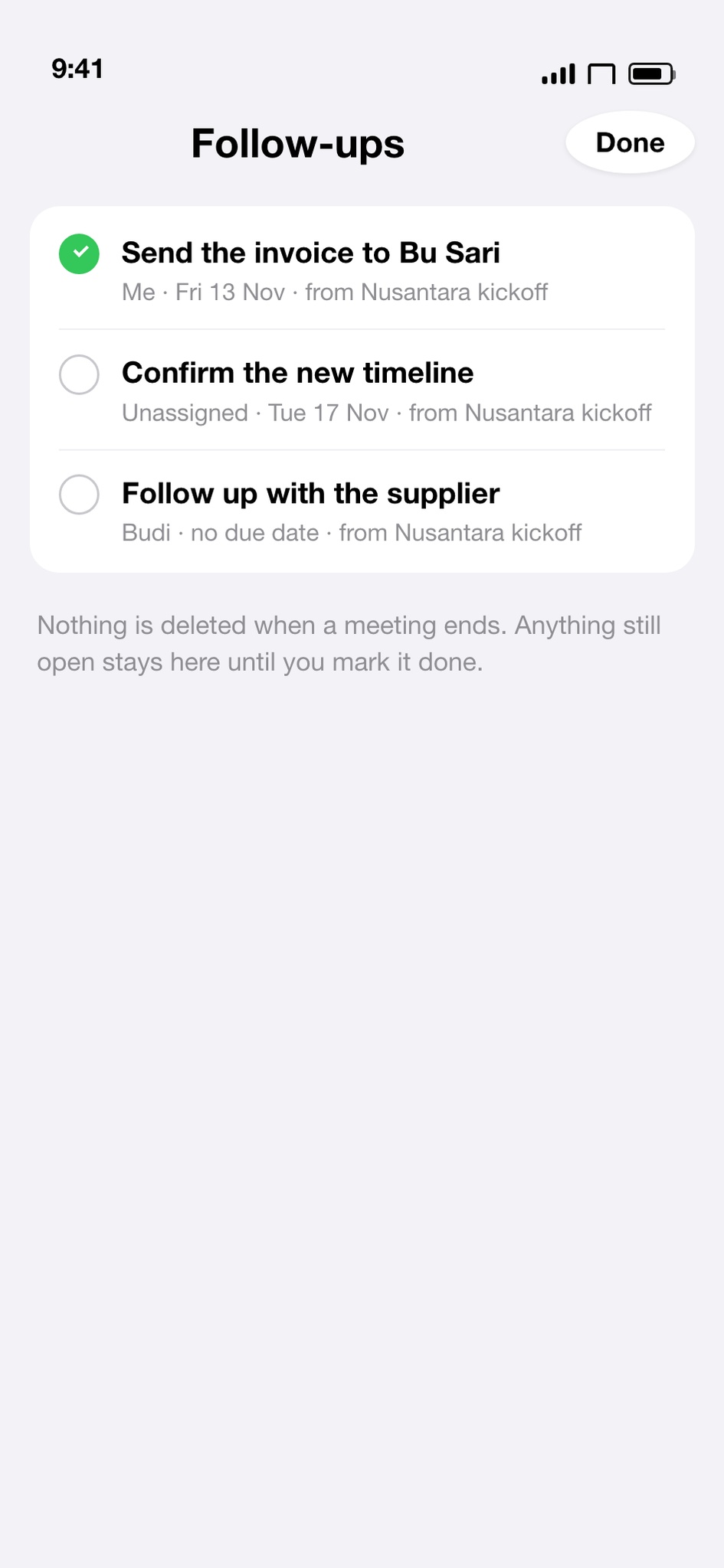
You get a topic, what was discussed, the outcome, and action items with an owner and a date. Anything without an owner is marked unassigned.
One tap opens WhatsApp with the list already written. Rekam never sends for you — you press send.
A to-do that reaches WhatsApp is a public promise. Before it goes out, tap play and hear exactly what was said.
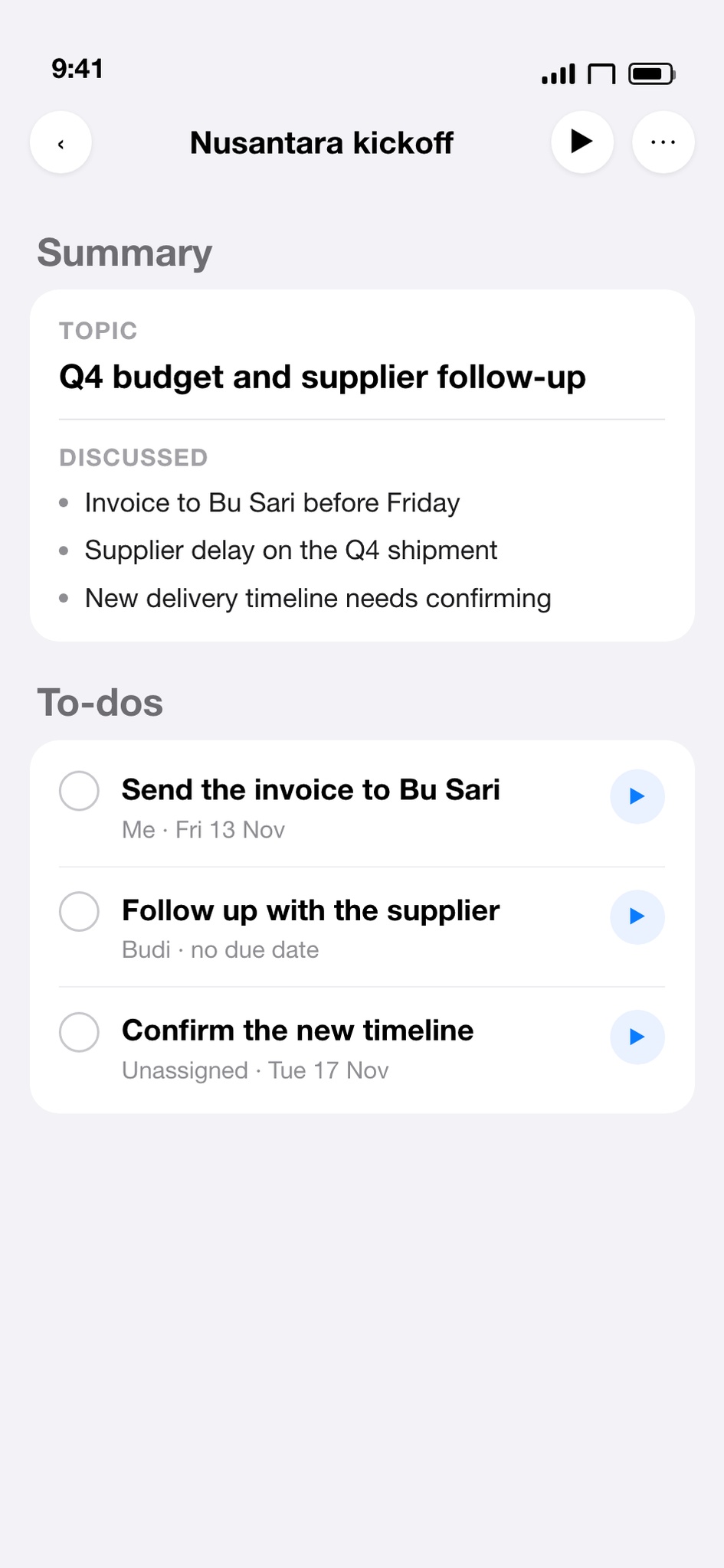
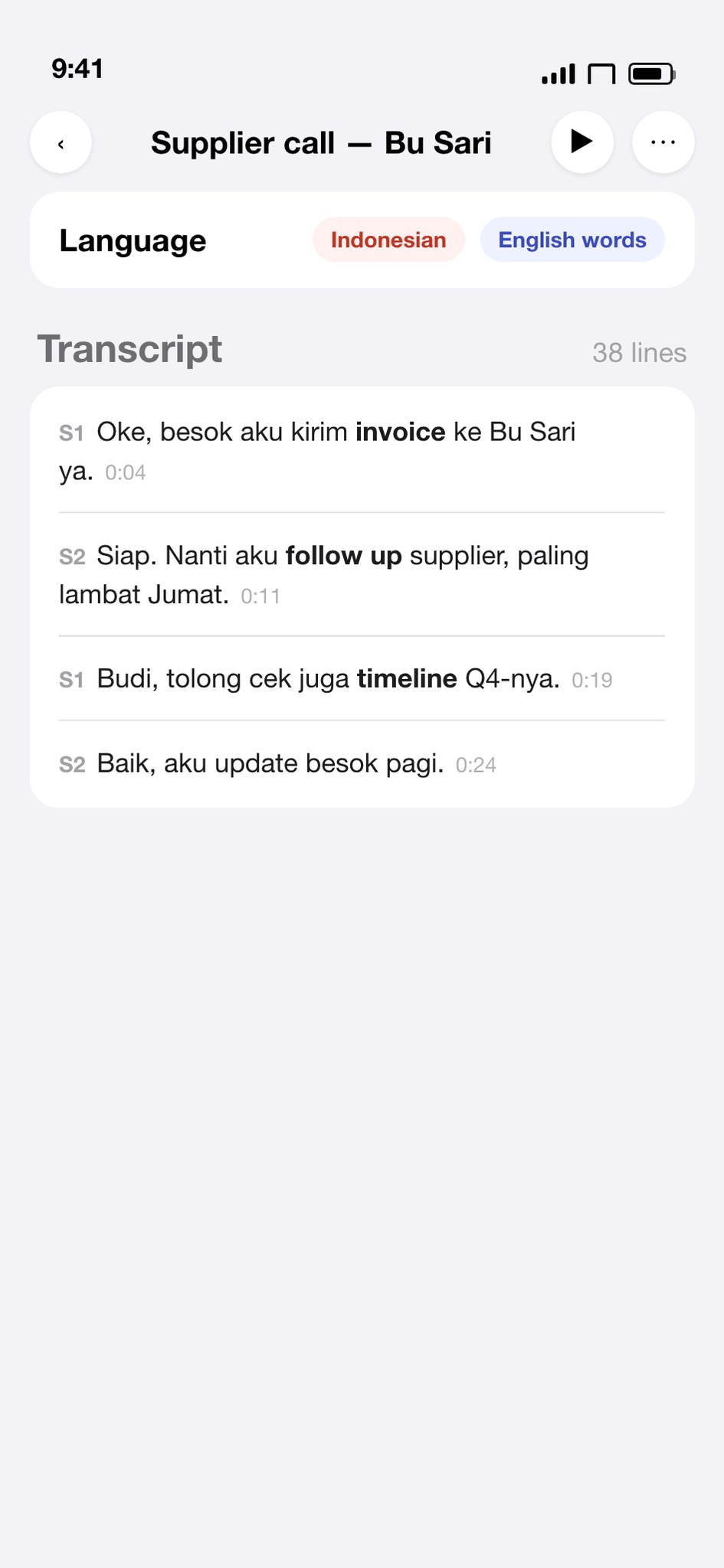
Say “besok aku kirim invoice ke Bu Sari” and it handles both. Language is detected automatically — you never pick one.
Recordings are always free and always yours. Subscriptions only pay for transcription minutes.
No. It writes the message and opens WhatsApp. You press send — every time, on purpose.
Audio is written in short segments. A crash costs the last few seconds, not the whole meeting, and the recording is recovered next time you open the app.
They stay on your iPhone. Audio is uploaded only when you tap Transcribe, is processed by our speech provider, and is not stored on our servers.
Yes for 7 days, up to 90 minutes. Recording itself is free forever; only transcription needs a subscription after the trial.